 tidlet

Find any slide you've ever made.
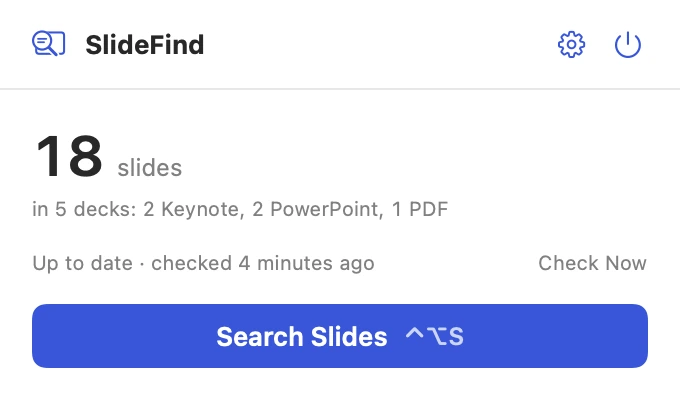
The slide you need is in some deck from last year. Type a word and SlideFind shows every slide that has it, from your Keynote, PowerPoint and PDF decks, as a picture. It reads slide text, presenter notes and the words in charts, on your Mac.
macOS 13 or later · Apple silicon & Intel · one key, 2 Macs
How it works
Three steps, most of them yours.
- Let it read your decks
Documents, Desktop, Downloads, iCloud Drive, OneDrive and Dropbox to start, or any folder you pick. It reads every deck once, on your Mac, then only new and changed ones.
- Press ⌃⌥S and type
A word from the slide, its notes or a chart on it. Every slide that has it appears as a picture, best match first.
- Use the slide
Copy it, drag it into any app, open its deck at that slide, or add an editable copy to the deck you have open in Keynote.
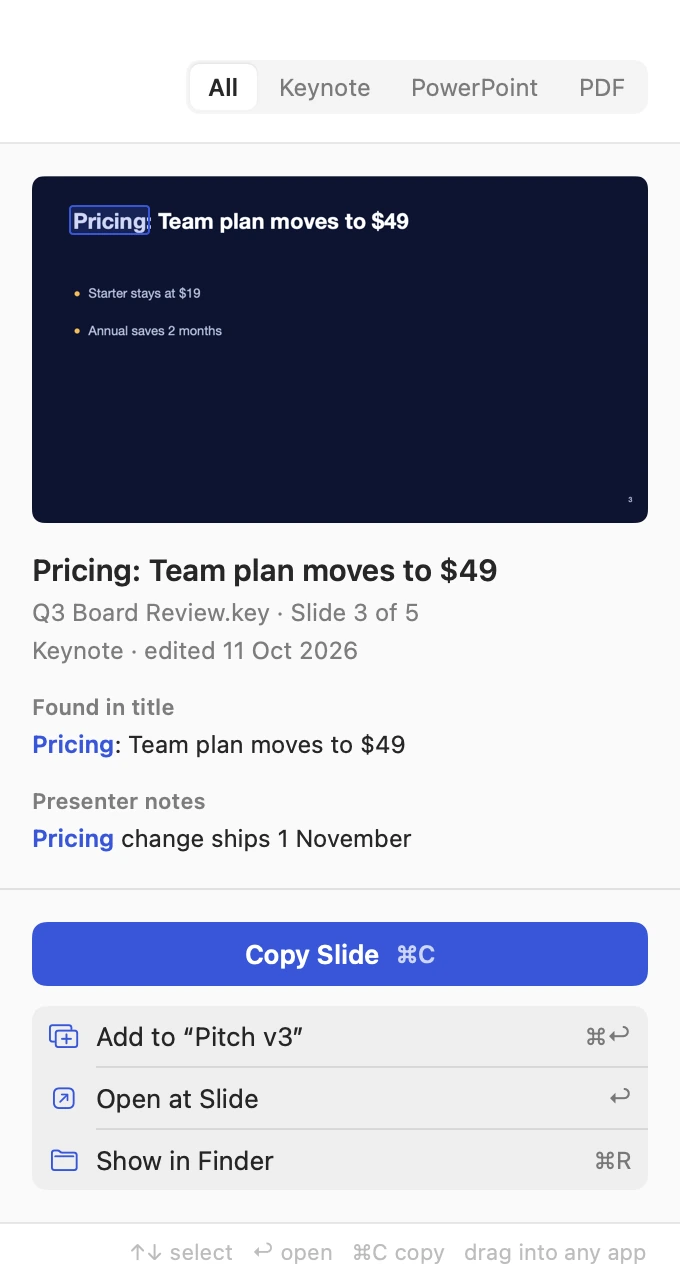
Pricing: Team plan moves to $49
Q3 Board Review · 3Revenue grew 18% to $4.2M
Q3 Board Review · 2Three pricing tiers
Pricing Strategy 2026 · 2Competitor pricing
Pricing Strategy 2026 · 3Hiring plan, first half
Team Offsite · 4What customers asked for
Customer Interviews · 2A closer look
The whole app, screen by screen.
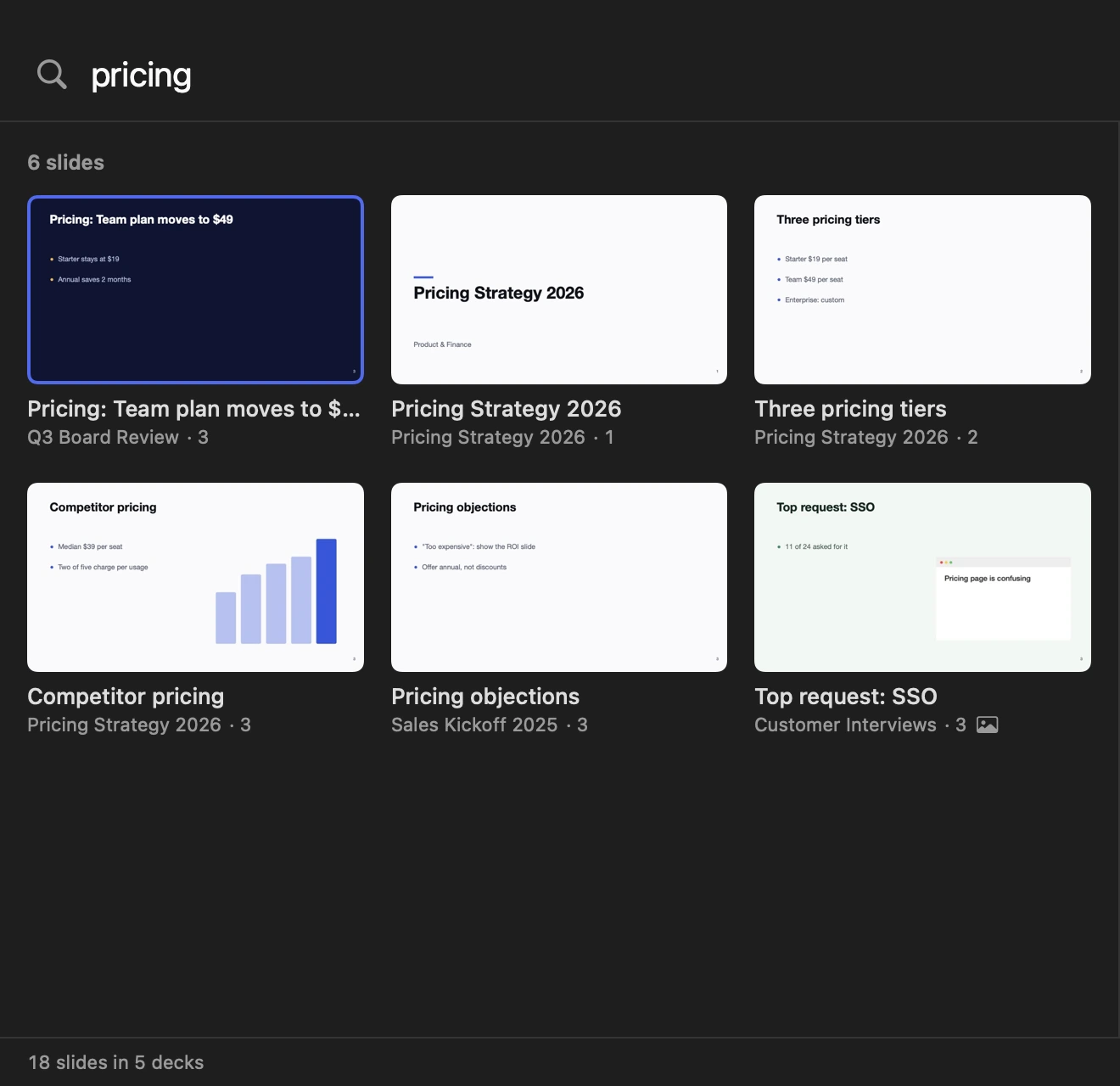
These are real screens from SlideFind, in light and dark to match your Mac. In Tidlet they open from the Tidlet icon in your menu bar.
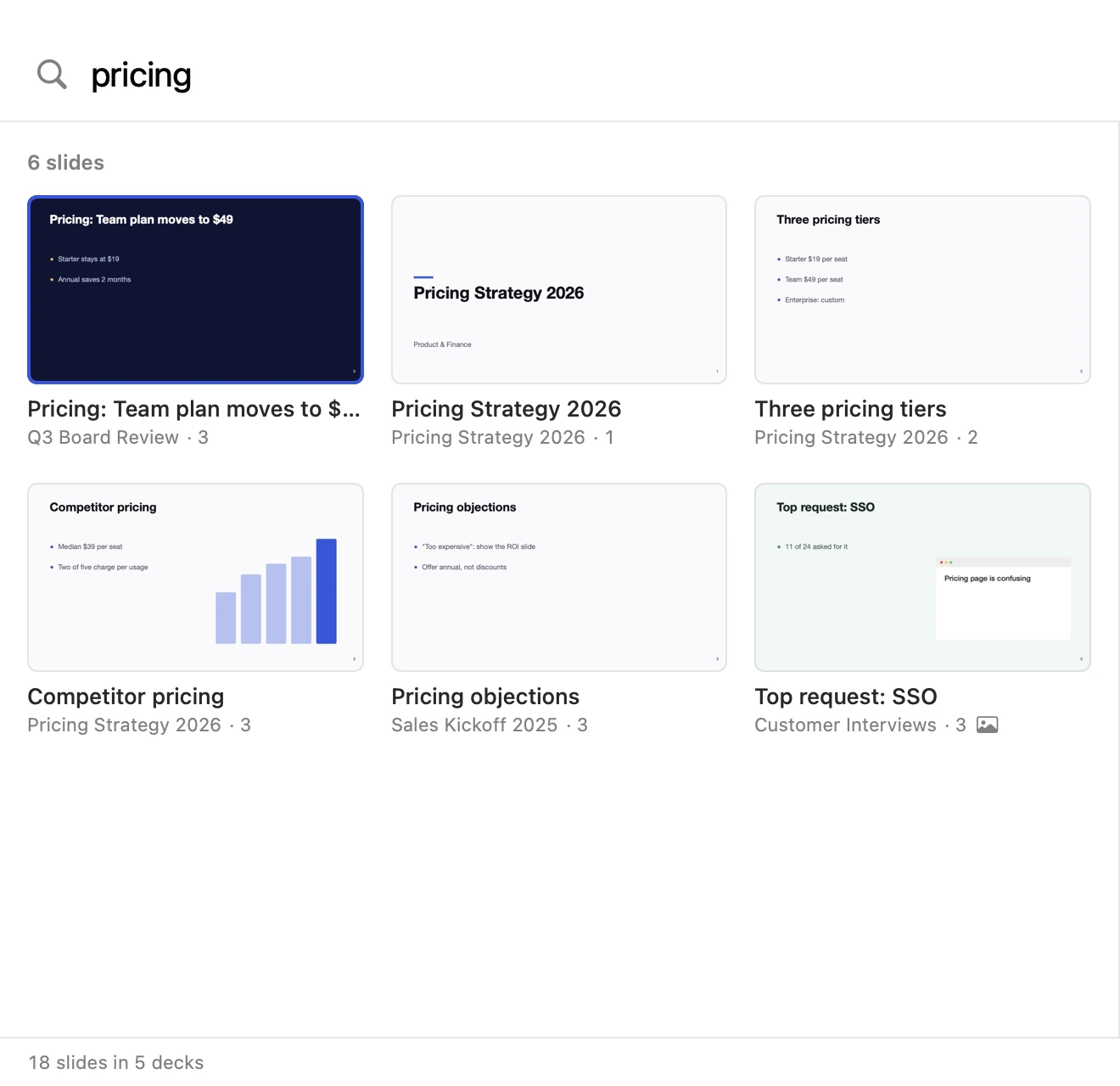
Every slide, as a picture
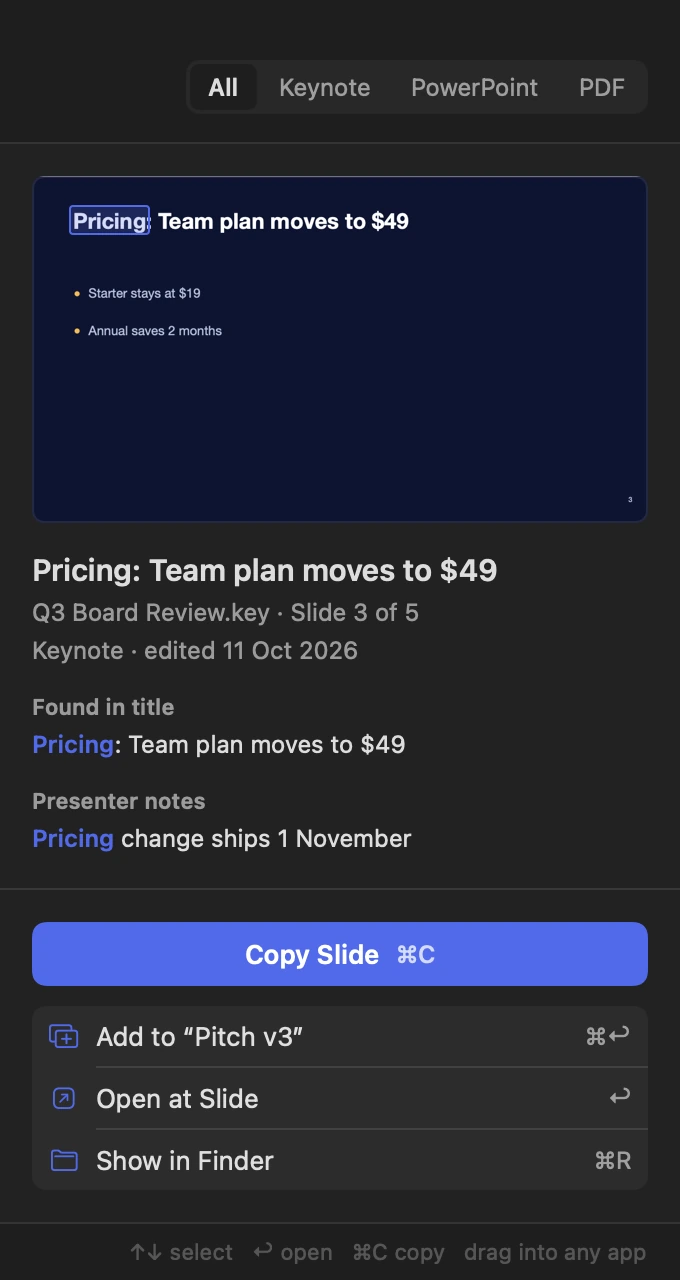
Matching slides show as they look, with their deck and slide number, and the word you typed is marked on the slide itself.
Words inside pictures
Screenshots, charts and photos on a slide are read on your Mac, so “confusing” finds the slide with a screenshot of that customer email.
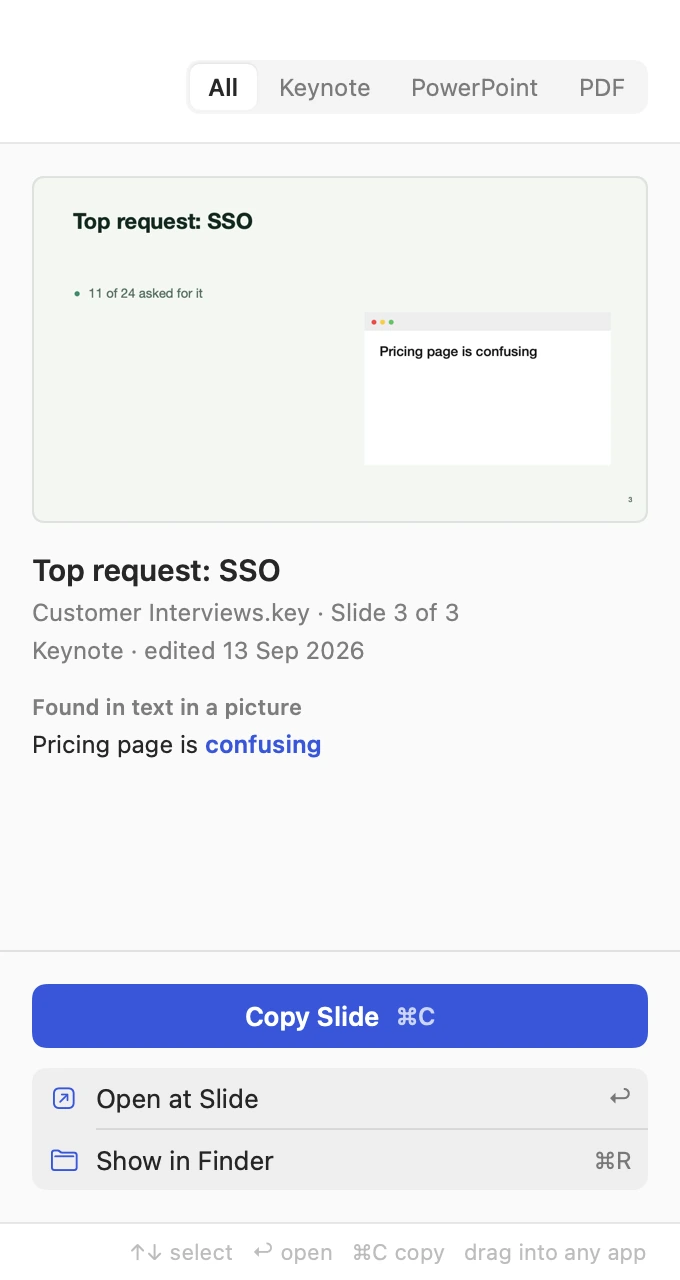
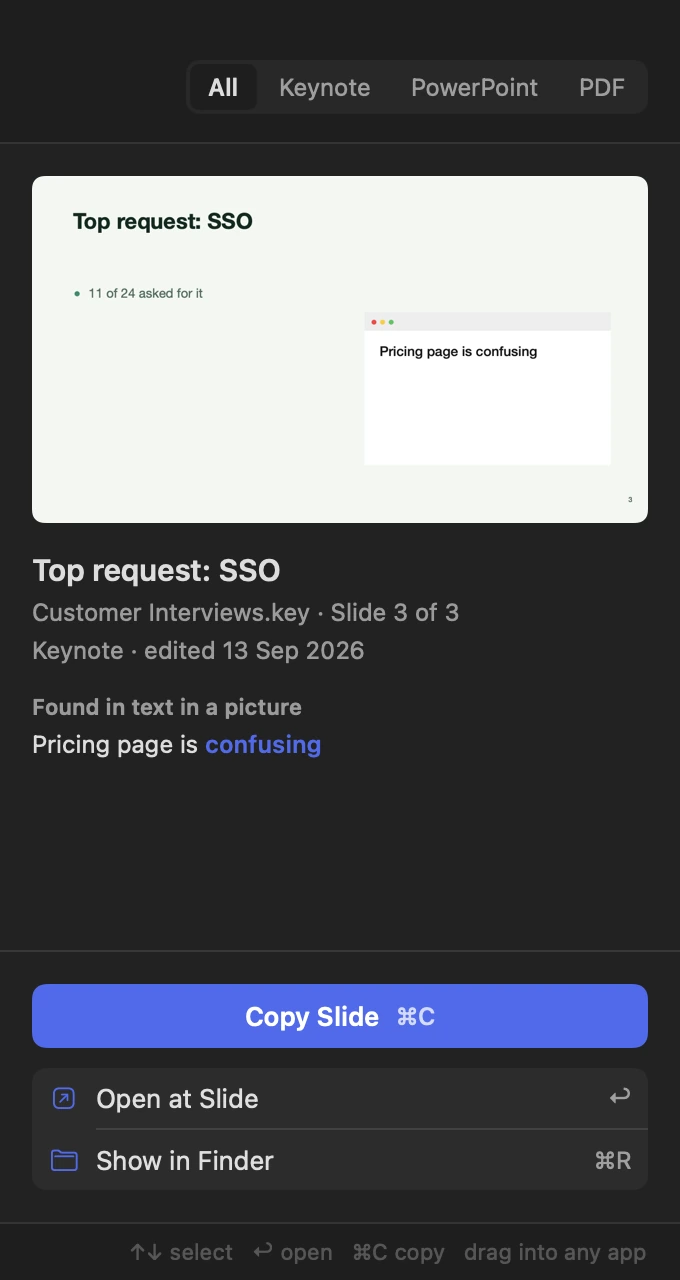
Presenter notes count
Search what you said, not only what the slide shows. A match in the notes is marked in the full note.
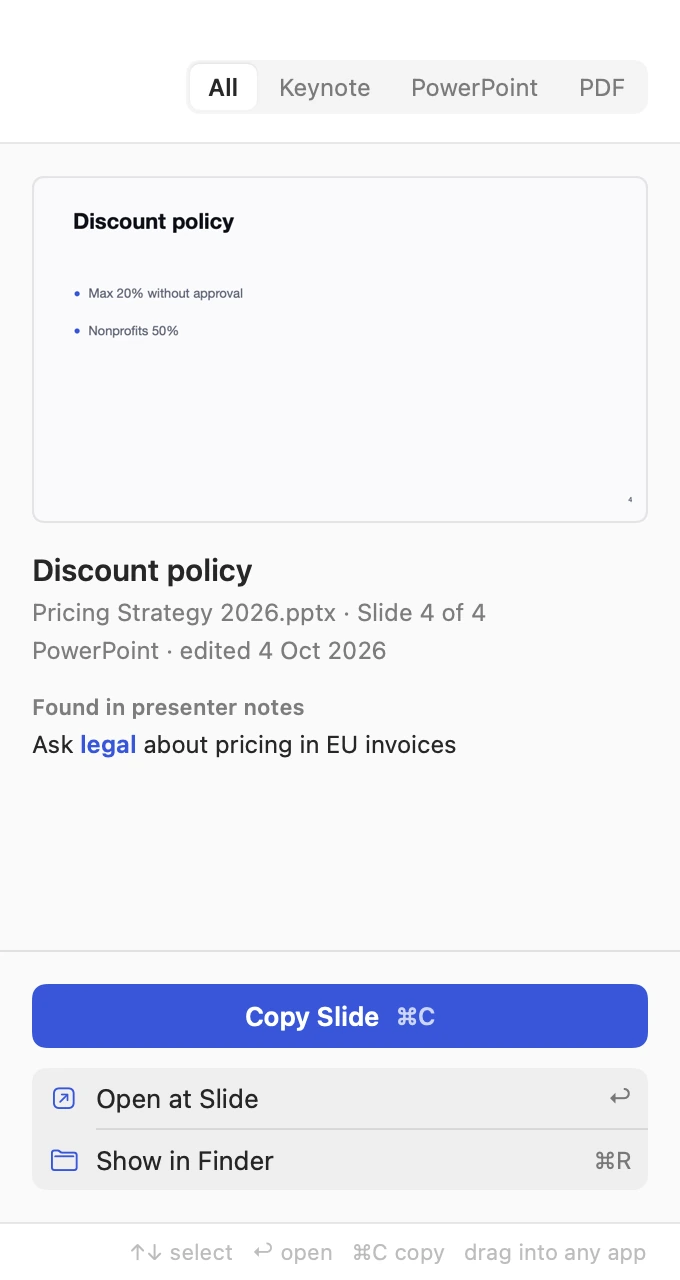
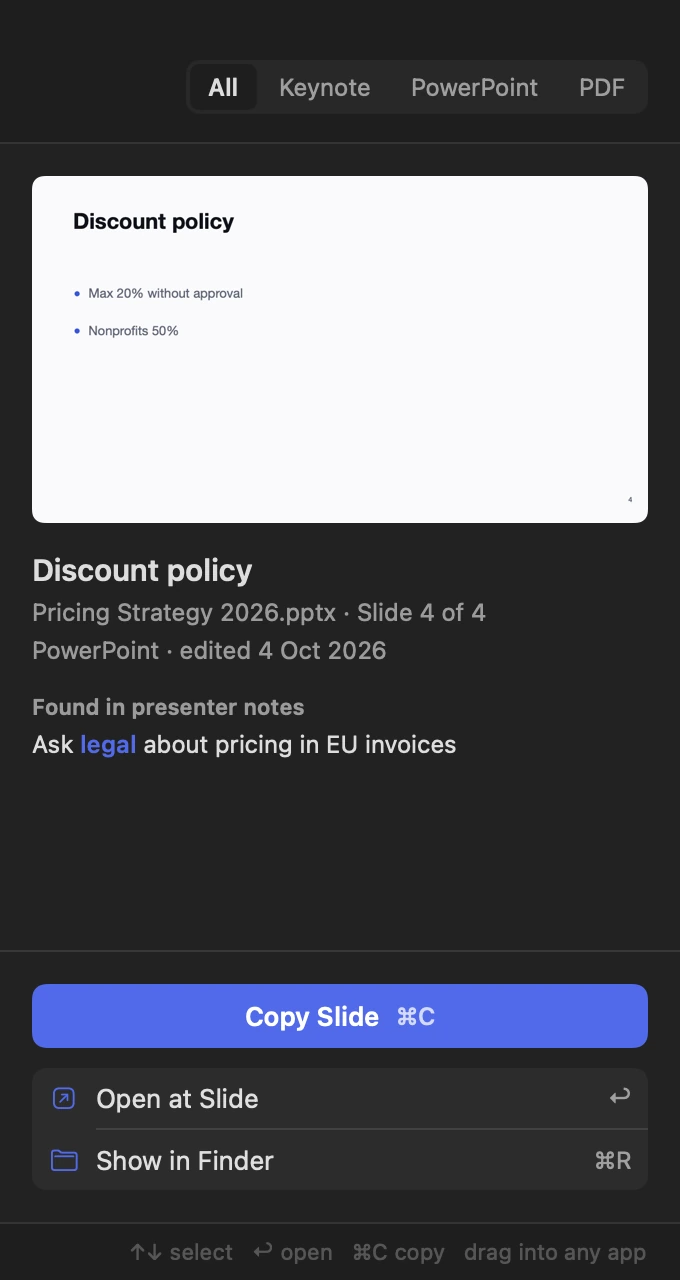
Copy it, open it, add it
⌘C copies the slide as a picture for Mail, Slack or a doc. Return opens the deck at that slide. ⌘Return adds an editable copy, design and all, to the deck open in Keynote.
Keeps up on its own
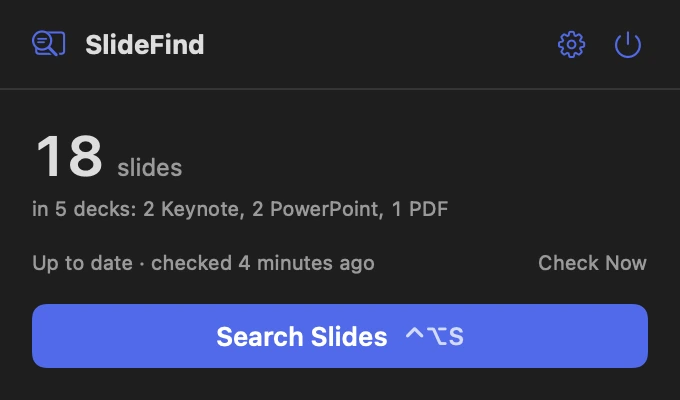
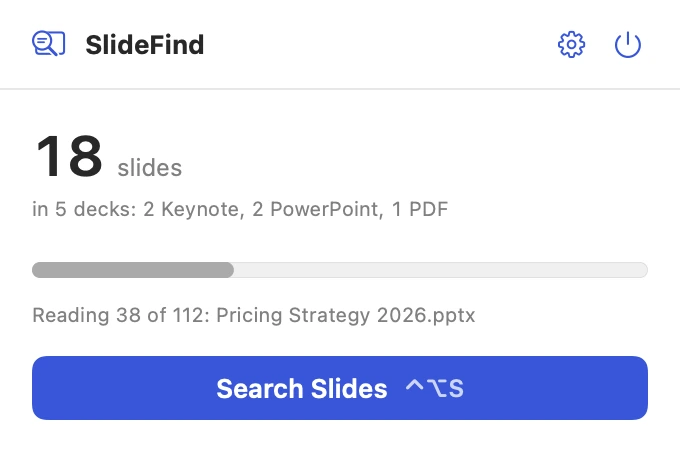
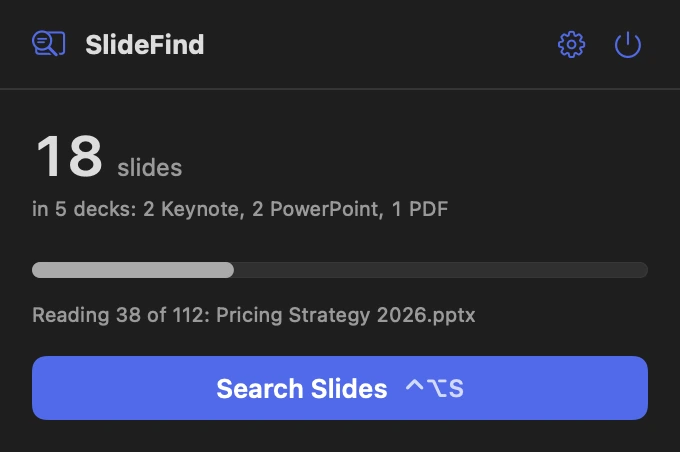
New and changed decks are read in the background. The panel shows how far it's got, and decks you haven't touched aren't read again.
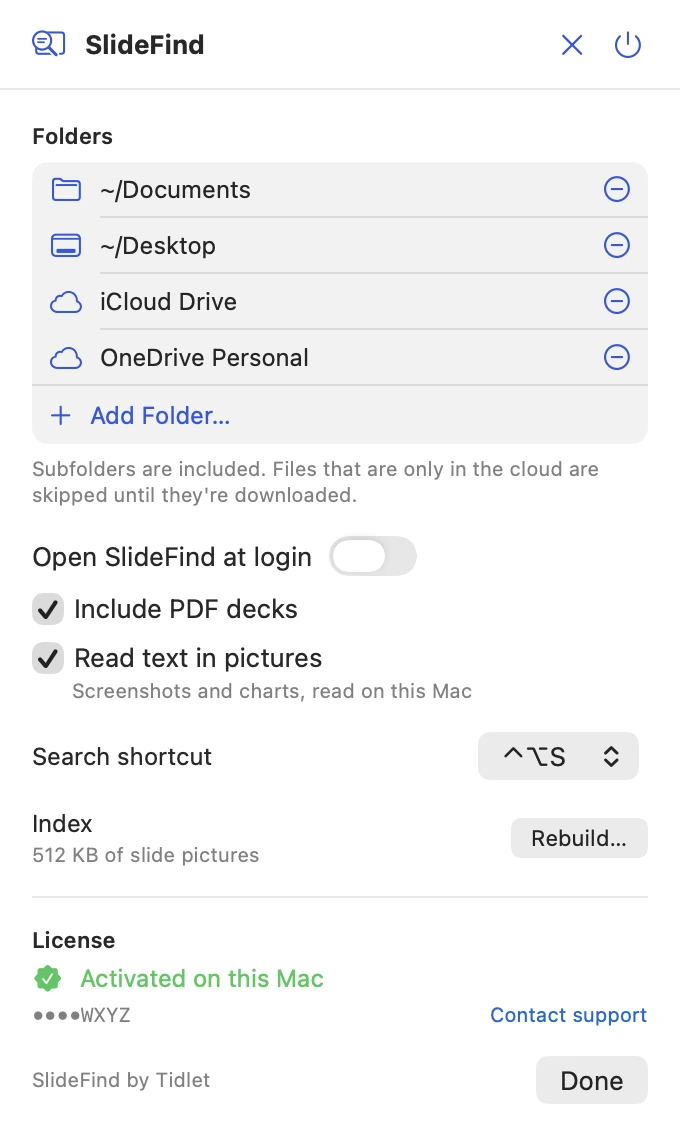
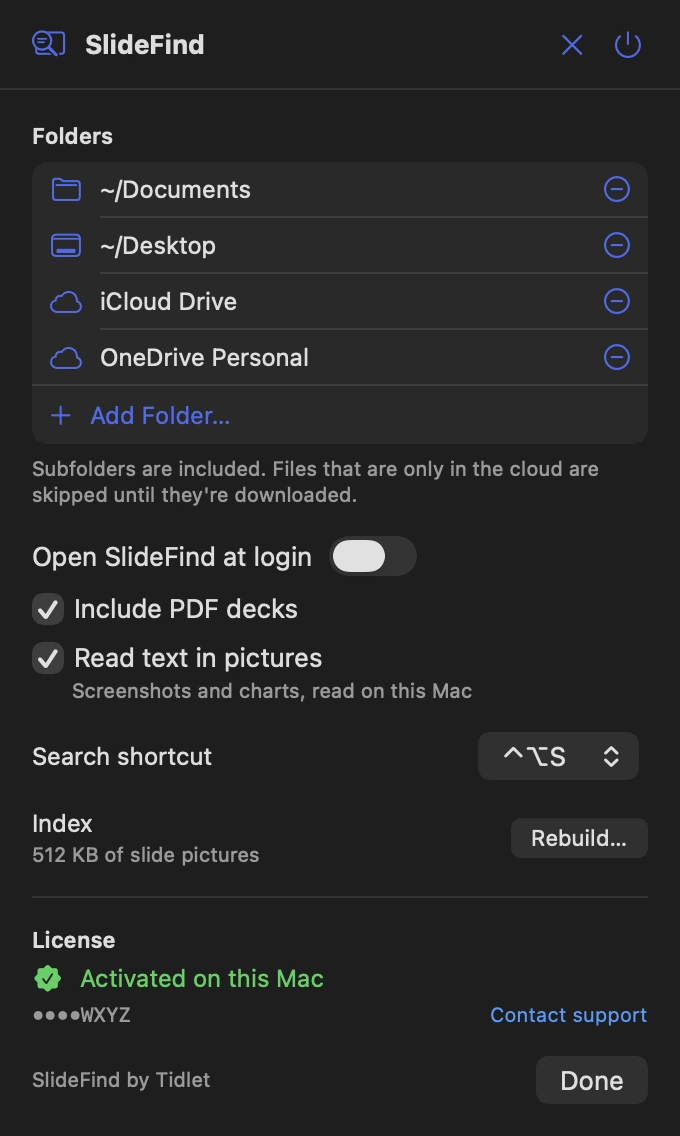
Settings on one screen
The folders it searches, PDF decks, text in pictures, the search shortcut, and your license.
Features
Everything it does.
The full list fits on one screen.
Keynote, PowerPoint and PDF
.key, .pptx and .pdf decks in every folder you choose, subfolders included.
Notes and pictures too
Titles, slide text, presenter notes, file names, and the words in screenshots and charts.
A picture of every slide
Keynote, free from Apple, draws each Keynote and PowerPoint slide, hidden in the background. PDF decks need nothing else.
Add it to your deck
One shortcut puts an editable copy of the slide, with its design, into the Keynote deck you're working on.
Hands off your decks
SlideFind works on copies. A deck you have open in Keynote is never exported, changed or closed.
One shortcut from anywhere
⌃⌥S opens search over any app. Pick ⌥⌘S, ⌃⌘S or ⌃⇧S in Settings if it clashes.
Privacy
What SlideFind sees, and what it sends.
The app has no analytics, ads or tracking. The full details are in our privacy policy.
What it reads
- The decks in the folders you choose: their slides, notes and pictures, read on your Mac.
- It keeps their text and small slide pictures in its own folder on your Mac.
- It asks Keynote to draw slide pictures. macOS asks you once to allow it.
What it sends
- Your license key, an activation ID and your Mac's name, to Dodo Payments, to check the key.
- Nothing else, ever.
What it never does
- Upload your decks, your slides or anything in them.
- Change, save or close a deck you have open.
- Track how you use it.
Price
$9one time, all 9 tools
- SlideFind and 8 more tools in one app, Tidlet.
- One payment of $9. No subscription.
- A license key by email, for 2 Macs.
- Refund within 14 days if it doesn't work on your Mac and we can't fix it.
- Help by email at hello@tidlet.com.
Also in Tidlet: DeskClean, ShotName, SnapPaste, CleanCopy, TalkShare, PasteMask, HushMic and ClapRemote.








System requirements
- macOS
- 13 Ventura or later
- Chip
- Apple silicon and Intel (universal)
- Download
- Tidlet.dmg · 5.5 MB, all 9 tools
- Version
- Tidlet 1.0.4
- Decks
- .key .pptx .pdf
- Keynote
- Free from Apple. Draws the Keynote and PowerPoint slide pictures.
- Access
- The folders you search, and Automation for Keynote. macOS asks once for each.
- Network
- License check only
- Shortcut
- ⌃⌥S (changeable)
Do I need Keynote?
For slide pictures, yes. Keynote is free from Apple, and SlideFind uses it, hidden, to draw each Keynote and PowerPoint slide on your Mac. Without it, PowerPoint decks are searched by their text, Keynote decks by name, and PDF decks work fully.
Does it work with PowerPoint files?
Yes, .pptx decks. Their text and notes are read from the file, and Keynote draws the slide pictures. Old .ppt files aren't supported.
Will it change my decks?
No. SlideFind reads a copy of each deck. A deck you have open is never exported, changed or closed. Add to deck only adds the slide you picked to the deck you're working on.
Does it upload my slides?
No. Every deck is read on your Mac, and the text and slide pictures it keeps stay in its folder on your Mac. The only network request is the license check.
What about decks in iCloud Drive, OneDrive or Dropbox?
They're searched like any folder. Decks that are only in the cloud are skipped until they're downloaded to your Mac.
Is it safe to download?
Yes. The app is signed with our Apple Developer ID and notarized by Apple, which checks it for malware before it can open on your Mac.
Can I buy SlideFind on its own?
SlideFind comes in Tidlet, one menu bar app with all nine Tidlet tools. $9 unlocks every one of them; switch on SlideFind and leave the rest off if you like.
Is there a free trial?
Yes. Every tool works for 3 days from the first launch, with no key and no account. The trial runs on your Mac and sends nothing. After that the tools pause until you enter a license key. If Tidlet doesn't work on your Mac and we can't fix it, we refund you within 14 days.
How many Macs can I use it on?
One key activates Tidlet on 2 Macs. New Mac? Email hello@tidlet.com with your receipt and we'll free a slot.
SlideFind and 8 more, $9.
No subscription.
One key unlocks every Tidlet tool, on 2 Macs.